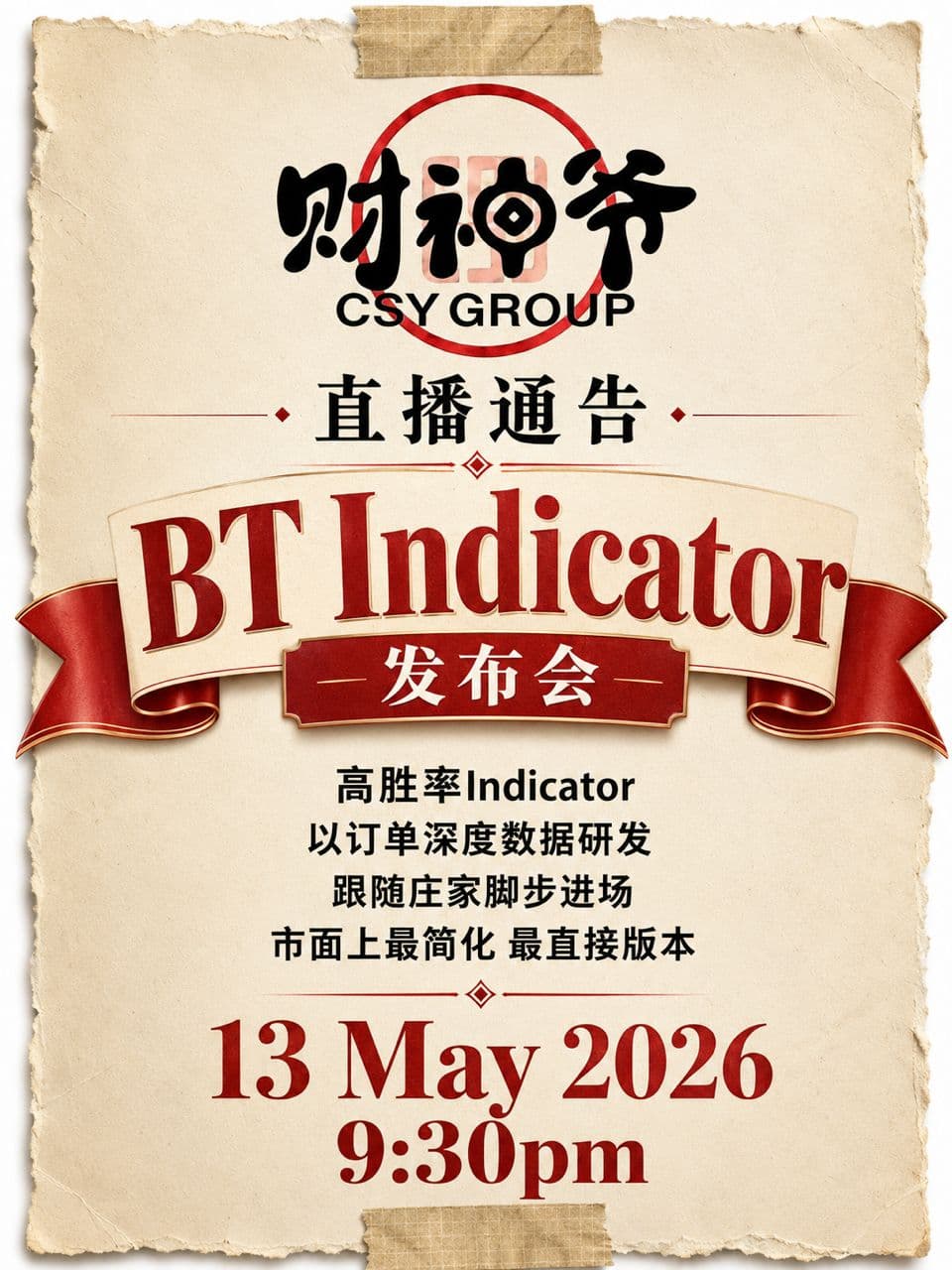
BT Indicator Launch
After months of development, live testing, and refinement, CSY Group introduced its TradingView BT (Big Trades) Indicator for traders who want clearer trend signals, false-breakout filtering, and timely market alerts.
From Signal To Decision
A focused indicator designed to reduce visual noise and make important market context easier to act on.
Trend Signals
Identify market direction and rhythm faster before planning a trade.
False-Breakout Filtering
Filter weaker breakout moves so entries can be judged with better confirmation.
Key Market Alerts
Get reminded when important market changes need attention.
Minimal Visual Dashboard
Keep the chart clean while still seeing the signals that matter.
Live Indicator Walkthrough
The launch session showed members how to use the indicator and interpret signals in real market conditions.
Complete Usage Tutorial
Walk through the setup and the key parts of the TradingView indicator.
Signal Interpretation
Learn what the indicator is highlighting and how to read each signal with context.
Practical Examples
Review real market examples so the workflow is clear before members use it on their own charts.
Original BT Indicator Trial
The launch trial ended on June 30, 2026. The conditions below describe the original promotion and are kept for reference.
Free Access Period
The launch trial ran until June 30, 2026 and is now closed.
Original Renewal Conditions
The original offer required 3 lots of trading volume by June 30 to continue access in July, followed by 3 lots each month for the following month's access.
Original Eligibility Conditions
- Registration with RS Finance through CSY's partner link.
- A deposit of 500 USD or more.
- CSY Indicator access issued after review.
- 3 lots completed by June 30, 2026 for July access.
- 3 lots each month for the following month's access, under the original offer.
This page does not accept applications for the expired launch trial. Check Discord for current indicator access details.
Want The Indicator Details?
Join Discord for the release notes, usage tutorial, signal breakdown, and practical walkthrough shared after the launch.
Join Discord